
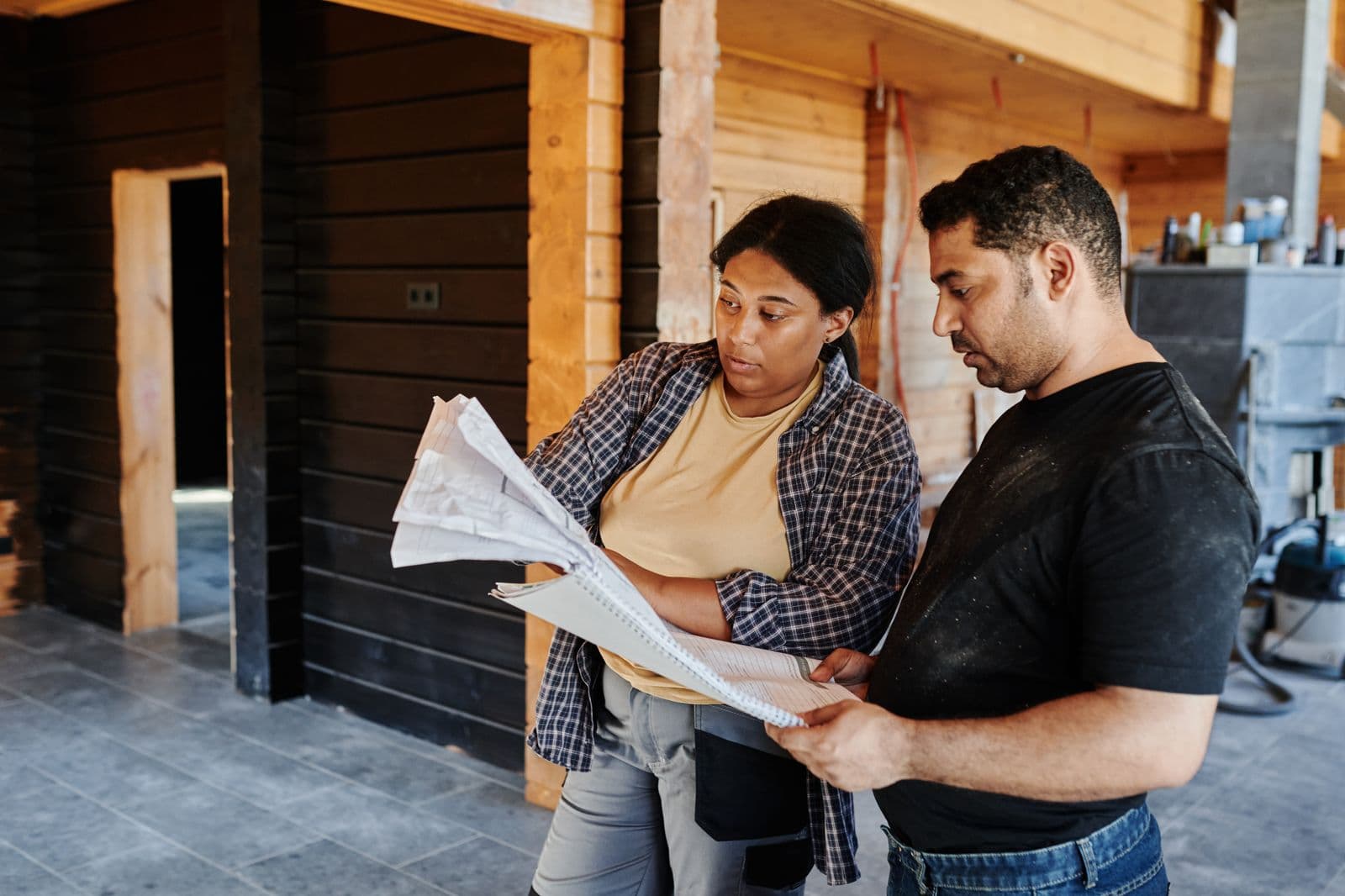
The crew has just replaced a roof in Kanata. A homeowner on the next street searches for a repair, finds the company's site, and lands on one page labelled "Services." Last year's hours are still on its Google Business Profile. The visitor cannot tell whether repairs are available or whether anyone will call back.
That is a fixable search problem. Contractor SEO connects the job a homeowner needs with a clear service page, accurate local details, and an easy way to ask for an estimate. It will not put every trade in every map result.
The examples here are Ottawa-specific, but plumbers, electricians, roofers, renovators, and other trades can use the same checks. Keep every service and service area true to the work the crew takes on.
Key takeaway
A contractor's profile, service pages, coverage, and estimate process should all agree. Start with the jobs the crew wants and can take, then count qualified calls and estimates instead of ranking screenshots.
What does SEO for contractors include?
Homeowners often use a Business Profile to compare nearby companies, then open a site to see whether it handles their job. The profile carries the local details. The website needs the specific service, proof of work, and a clear estimate route. Reviews and consistent business information help a visitor decide whether to call.
Google says local results are mainly based on relevance, distance, and popularity; relevance reflects how well the profile matches a search, and distance depends on where the person searches.[1] Its help page also discusses prominence, including links to the business and its reviews.[1] Google says complete and accurate information makes a business more likely to appear in local results.[1] No contractor can control a searcher's location or promise a particular position.
Paid ads and organic SEO are different. Ads can buy visibility while the campaign is active. SEO improves the information customers and search systems can find over time. Both can be useful, but a click from either channel is not the same as a booked job.
The search itself gives clues about what a person needs. "How long does a roof replacement take?" is an information question. "Roof repair Kanata estimate" sounds closer to hiring. Use educational answers to support the service page, not to replace it. A visitor who lands on a generic homepage should not have to search again to learn whether the company handles the job.
Set the Google Business Profile for the areas you serve
Begin with the details a homeowner checks before calling: the business name, primary category, hours, phone number, services, and website. Use the name customers see on the company's signs, trucks, invoices, or other real-world materials.[2] Google says to choose the fewest categories that describe the core business and to keep the address or service area accurate.[2]
Google defines a service-area business as one that visits or delivers directly to customers instead of serving them at its own address, and says it should hide that address and use one profile for the whole area it serves.[3] Google says the profile can list up to 20 service areas and that its boundary should be no more than about 2 hours' driving time from the business.[3] Keep the listed areas specific and accurate rather than using a radius or claiming places the business does not cover.[3]
That matters in Ottawa, where a crew's practical territory may not include every suburb on the map. List Kanata, Nepean, Barrhaven, Orleans, or Stittsville only when the business takes jobs there. Check the phone link, business hours, estimate route, and service descriptions from a mobile phone. If a team or territory changes, update the profile and website instead of letting two versions drift apart. If you need a field-by-field profile review, see Que Media's Google Business Profile guide for Ottawa businesses.
Build service pages that answer estimate questions
A homeowner looking for a roof repair and someone planning a full replacement have different questions. The repair page should explain the problems the crew handles, what an inspection involves, and how to request a visit. A replacement page can cover materials, project stages, expected decisions, and the estimate process. The same applies to electrical panel upgrades, water heater installation, or basement renovations.
Start with the services the business wants more of and has the crew capacity to take. Give each important service a page when the work and customer questions are distinct. Use real project photos, a clear service description, a truthful coverage area, and a working phone or estimate form. Only include qualifications, warranties, or price ranges that the company can substantiate.
Google's people-first guidance asks whether a page provides original, complete information that helps its intended audience.[6] That is a better test than adding a keyword to every heading.
Think through the estimate path while writing. What photos should a customer send? Does someone need to visit before the company can price the job? What happens after the form is submitted? A short answer to each question can prevent a poor-fit call and help a ready customer take the next step. Make the phone number and quote form easy to use on a phone. Que Media's on-page SEO checklist for Ottawa small businesses covers titles, headings, internal links, and contact paths in more detail.
Should contractors make pages for every Ottawa neighbourhood?
Usually, no. Start by explaining the real service area on the main service page. A separate neighbourhood page makes sense only when it adds useful information for people there, such as work the company has completed, a service detail that matters locally, or a distinct way to arrange an estimate.
Copying one page and swapping "Kanata" for "Orleans" does not give a homeowner a better answer. Google's spam policy calls it doorway abuse when pages target similar regional searches and funnel people to a less useful final destination.[4] Its examples include multiple pages for specific cities that all lead to the same page.[4] Keep the coverage honest and publish a local page only when there is something specific to say.
If the business already posts job photos and short updates, use those to show the work rather than repeating suburb names. Que Media's contractor social media guide covers how to document projects and answer homeowner questions without turning every post into an ad.
If you want a second opinion on how profile data, service pages, and estimate forms fit together, Que Media's marketing services can help map the work before more pages are added.
Use reviews and project photos as proof
A before-and-after photo can help a homeowner understand what the crew does. A short project description can add context: the type of work, the challenge, and what the finished job included. Get permission before sharing a client's home, name, or address. Keep images current and make sure they show the company's own work.
Reviews do a different job. They let a new customer hear from someone who has already hired the business. Google's local ranking guidance says reviews and helpful replies can help a business stand out.[1] Ask every customer for an honest review after completed work, and reply in a professional way. Google prohibits offering discounts or other incentives in exchange for reviews or review changes.[5]
Make the request part of the closeout routine, along with the invoice and a note about any follow-up visit. Do not ask only customers who seem happy, and do not write a review for a customer. A steady request to everyone leaves the feedback in the customer's own words. For an example of how project stories fit into a regular posting plan, see Que Media's social media guide for Ottawa contractors.
Keep the profile and website aligned. If one says the company installs heat pumps and the other only mentions general repairs, the visitor may be unsure which service is available. Clear details and current proof make it easier to take the next step.
How do you measure contractor SEO leads?
Track the actions that matter to the business: phone calls, estimate-form submissions, scheduled site visits, and jobs booked. Make sure the phone link works on mobile and the form asks for enough detail to route the request without making it a chore. Ask new customers how they found the company, then compare those answers with website and profile reports.
Google Search Console can show which searches lead to impressions and clicks on a service page.[8]
In a September 2026 Small Business Bulletin posted to Google's Business Profile Help Community, the bulletin described a global rollout of per-post view counts.[7] It says the figures cover posts from the previous 18 months and combine Search and Maps views.[7] At the time of publication, the bulletin said the data was not yet available in the API.[7]
Views tell you a post appeared on screen. They do not tell you whether it generated a call or a booked estimate. Compare the post data with enquiries and completed jobs before deciding which content to make again.
Keep the lead chain simple enough to maintain: source visit, call or form, scheduled site visit, and booked job. If the crew misses calls or nobody owns form follow-up, better rankings may only create more unanswered enquiries. Review the numbers with the people who answer customers, then fix the point where good prospects are dropping out.
What should an Ottawa contractor fix first?
Pick one service the business wants to grow and trace the path from search to estimate. Confirm the Google profile has the right category, current hours, phone number, and service area. Then read the service page as a homeowner would: does it explain the job, show real proof, and make the next step easy?
Prioritize work the crew can actually deliver. A company with space for more roof inspections may want that page and estimate path fixed first. A team booked several weeks out may care more about qualified calls than call volume. The right target is the service, area, and schedule the owner wants to fill, not the keyword with the biggest-looking ranking report.
Fix broken calls to action before writing more copy. Add a page only when it answers a distinct customer need. Ask for reviews without offering rewards. Track calls and estimates for a consistent period so the team can see whether the changes brought better enquiries, not just more activity.
Search cannot fix every loose end. If the team also relies on social posts to show recent projects, keep that work separate from the search plan and connect the two where it helps a customer.
A good contractor SEO plan matches what the crew does, where it works, and how a homeowner requests an estimate. Keep the Business Profile accurate, make priority service pages useful, and track what happens after a customer gets in touch.
No shortcut guarantees a map position or a full calendar. A clear profile, honest local pages, and a working follow-up path give Ottawa homeowners a better reason to call. If you want help deciding what to improve first, talk with Que Media.
Frequently Asked Questions
What is SEO for contractors?
SEO for contractors helps people find a trade business when they search for a service in an area it serves. It includes an accurate Google Business Profile, useful service pages, local proof, and a working route to request an estimate. Success should be measured in qualified enquiries and jobs, not only rankings.
How can a contractor improve local SEO in Ottawa?
Start with an accurate Google Business Profile, a service area the crew can actually cover, and a clear page for each priority service. Add real project evidence and make the phone and estimate form easy to use. Then track relevant searches, calls, and quote requests over time.
Does a contractor need a separate Google Business Profile for every service area?
No. Google says a service-area business can have one profile for the whole area it serves.[3] The profile should list only the towns or postal codes where the crew actually works.[3] Do not create extra profiles just to appear in more Ottawa neighbourhoods.[3]
Should contractors create a page for every Ottawa neighbourhood?
Only when each page gives customers in that area useful, accurate information. A project example, distinct service detail, or clear local process can make a page worth having. Pages that only swap neighbourhood names and lead to the same offer add little for a reader and can resemble doorway pages.[4]
How do I know if contractor SEO is bringing in leads?
Track calls, estimate-form submissions, scheduled visits, and booked work alongside Search Console and Business Profile activity. Ask new customers how they found the company so you can compare the answer with digital reports. Post views and search impressions show exposure, not completed jobs.
Sources
- [1] Google Business Profile Help, Tips to improve your local ranking on Google
- [2] Google Business Profile Help, Guidelines for representing your business on Google
- [3] Google Business Profile Help, Manage your service areas for service-area and hybrid businesses
- [4] Google Search Central, Spam policies for Google web search: doorway abuse
- [5] Google Business Profile Help, Tips to get more reviews
- [6] Google Search Central, Creating helpful, reliable, people-first content
- [7] Google Small Business Bulletin, Track your Google Post views
- [8] Google Search Console Help, Performance report (Search results)