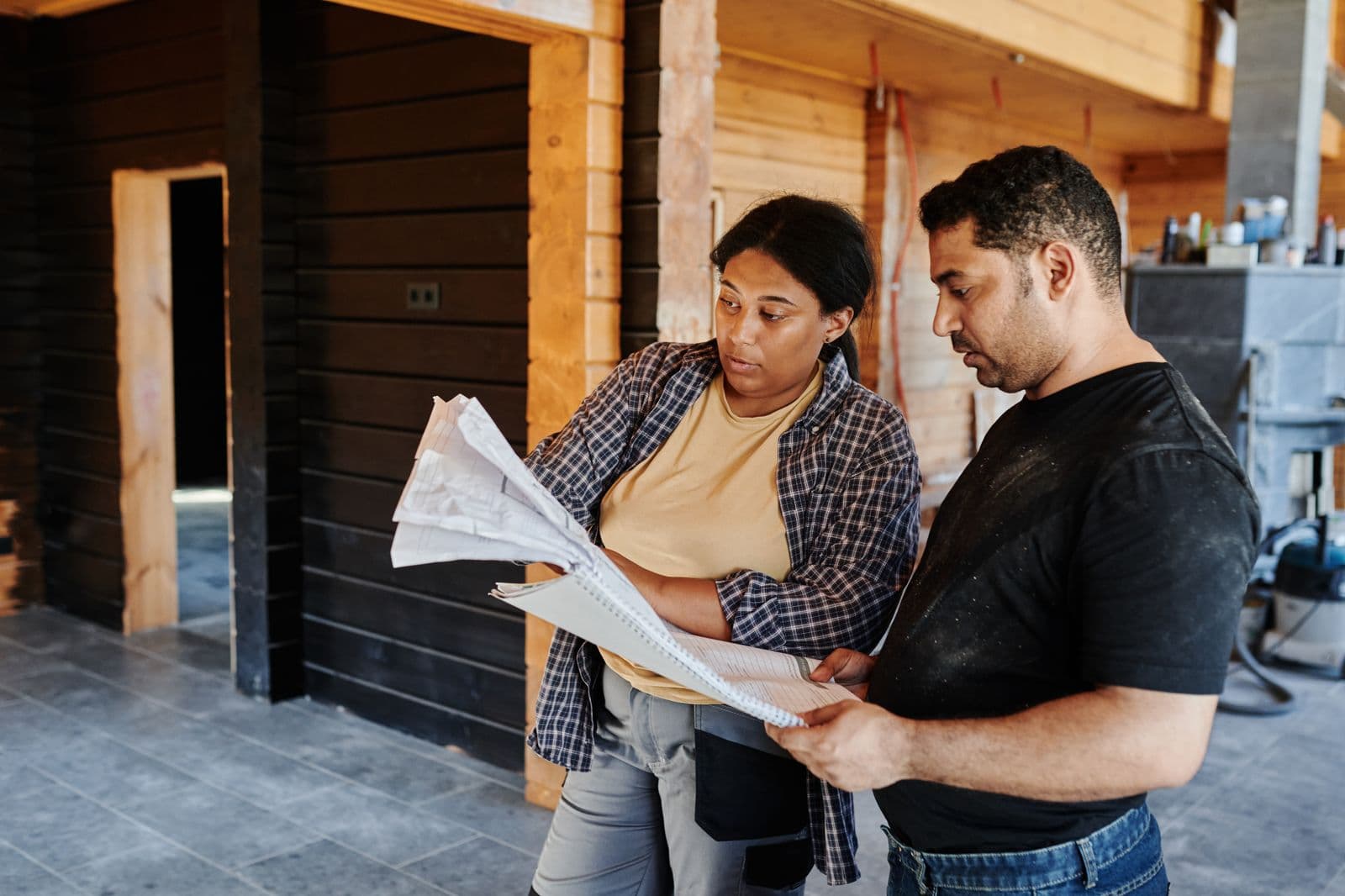

At 7:15 on a Tuesday morning, an Ottawa contractor is usually thinking about the crew, the weather, a late material delivery, and the customer who wants an answer before breakfast. "Post something" lands far down that list. Then a homeowner opens Instagram after work, searches for a contractor they can trust, and sees a six-month-old logo graphic next to a competitor's recent before-and-after video. That gap costs more work than most owners realize.
Social media for contractors is not a daily performance. It is proof that you do solid work, show up locally, and make it easy to request an estimate. The useful content is already happening on site: a clean jobsite, a tricky repair, a crew member explaining a decision, a finished driveway, or the small detail a homeowner would never notice.
This guide gives Ottawa contractors a practical system for turning that material into content that earns local attention and more qualified inquiries.
Key takeaway
A contractor's social media should document real work, answer the questions homeowners ask before requesting a quote, and send every interested viewer to one clear next step. The opportunity is clear: Que Media has no dedicated contractor article, GSC shows early no-click visibility for contractor SEO queries, and DataForSEO reports Canadian demand for "social media for contractors" with a $28.13 high top-of-page bid.
Why contractors need proof, not a busy feed
Homeowners do not hire a roofer, landscaper, renovator, or plumber because a brand posted ten times this week. They hire the company that feels competent and reachable when the job becomes urgent. Social media helps when it gives them evidence: real work, real people, a clear service area, and a simple way to get in touch.
That changes what counts as useful content. A 20-second walkthrough of a drainage fix is more convincing than a stock-photo quote card. A short explanation of why a crew protects a client's landscaping before a repair can build more trust than a polished slogan. The point is not to make every post look expensive. The point is to remove doubt.
Your profiles should also match the information customers see elsewhere. Google Business Profile Help says businesses with complete and accurate information are more likely to appear in local results, and it specifically recommends current details, review replies, photos, and videos. Treat your website, Google profile, and social profiles as one set of promises. Same phone number. Same service area. Same explanation of what you do.
What Ottawa homeowners want to see before they request a quote
A homeowner is usually trying to answer a few practical questions quickly. Do you handle my type of job? Have you worked on a house like mine? Are you local? Will someone call me back? They are not looking for a marketing lecture. Give them the evidence where they already spend time.
Show the start, middle, and finish of a job when permission allows. Explain a material choice in plain English. Let a foreperson answer one common question from the site. Film a quick "what we found" clip after a repair, without showing the client's address or personal details. Finished work is helpful, but the process is often what makes a contractor believable.
Ottawa details make the content more useful. Mention the kind of property, neighbourhood, season, or weather condition when it genuinely affects the job. A snowmelt drainage issue, an older Glebe home, or a tight urban yard gives the viewer context. Do not pretend every project needs a viral hook. A clear explanation is enough when someone is about to spend real money.
A weekly contractor content plan that fits around job sites
The plan has to survive a normal work week. Start with one person gathering short clips while the crew is already on site. Ten minutes at the beginning, ten minutes near the finish, and a few still photos can cover a lot. Get consent before recording clients, neighbours, house numbers, or anything private.
Use four repeatable lanes: work in progress, finished result, homeowner question, and crew expertise. Work in progress might show a renovation reveal or a roof inspection. Finished result gives people the satisfying before-and-after. Homeowner questions cover price ranges, timing, permits, maintenance, or what happens during an estimate. Crew expertise gives a real person a chance to explain why the job is being done a certain way.
Aim for two strong short videos and one photo carousel each week. Reuse the footage, but change the framing. A Reel can be a quick transformation. The same job can become a Facebook post that explains the problem, a Google photo update, and a website case study later. If collecting and editing that material keeps falling behind, Que Media's social media services can build the workflow with your team instead of demanding more from an already full day.
How to make short videos that feel trustworthy
Start with the job, not an introduction. Show the cracked step, the water pooling by the foundation, the old deck board, or the finished room in the first second. Then explain what the viewer is looking at. A simple voiceover such as "This is why we replaced the flashing before the shingles" is useful because it gives the homeowner something to understand.
Keep the clips honest. Do not use a dramatic problem photo from another job. Do not promise a result you cannot control. Avoid filming unsafe work for a better shot. Your best footage often comes from the ordinary details: a level line, a careful cut, a clean handoff, or the final cleanup.
Use captions because people often watch without sound. End with a local, specific next step: "Serving Ottawa and Nepean. Request an estimate through the link in our bio." Then make sure the link works. For broader advice on choosing channels and formats, see our best social media platforms for small business guide and our short-form video guide for local business.
Where Google, Instagram, Facebook, and ads each fit
Instagram and Facebook are where a homeowner may first notice your work. Google is often where they check whether you are legitimate, nearby, open, and reviewed. Your website is where the estimate request needs to happen. Each channel has a job, so do not judge them by the same metric.
Use Google Business Profile for current business details, new job photos, review replies, and timely offers. Google says profile posts can share updates, offers, and event details on Search and Maps, and an update can include a photo, video, action button, and link to a booking or learn-more page (Google Business Profile Help). A contractor can use that for seasonal maintenance reminders, a clear service announcement, or a simple estimate page.
Organic content earns familiarity. Paid ads can help when you have a clear offer and someone ready to answer leads. Meta's lead-nurturing setup supports website visits, calls, messaging, and appointment booking after an instant form submission (Meta Business Help Center). That does not make every contractor an ads candidate. It means a campaign needs a real follow-up path before money goes behind it. For the larger paid-search decision, read our Meta Ads vs Google Ads guide.
Turn attention into estimate requests without making people chase you
A good post can still waste the opportunity if the profile is confusing. Put your service area, phone number, website, and estimate link where people can find them without sending a DM. Pin one post that explains the services you offer and where you work. Add Story highlights for common questions, recent jobs, reviews, and the estimate process.
Your estimate form should ask only what the team needs to respond properly: contact details, the service needed, the location, a short description, and photos when they help. Do not bury the phone number. Do not make people explain the same project again after they submit. If the office cannot answer immediately, set an honest response expectation.
There is a useful recent change to watch, but it is not a reason to automate everything. On June 3, 2026, Meta announced a global expansion of Meta Business Agent, saying the product can answer business-specific questions, book appointments, and qualify incoming leads on supported messaging channels (Meta Newsroom). Contractors should still decide which questions need a person. A fast wrong answer about a repair is worse than a clear reply the next morning.
The contractor with a quiet feed is not necessarily losing because the work is poor. They are losing because a homeowner cannot see the work, understand the process, or take the next step without effort.
Start small. Document one real job each week. Answer one question you hear on every estimate. Keep your Google profile and contact details current. Then measure what happens after the view: calls, form submissions, booked estimates, and jobs that mention a video or post.
If you want a social media system that fits the pace of an Ottawa contracting business, talk to Que Media. We will help you turn the work you already do into useful proof that gets the right homeowners to reach out.
Frequently Asked Questions
What should contractors post on social media?
Contractors should post real project progress, finished work, homeowner questions, team expertise, seasonal maintenance advice, and reviews when they have permission. Start with the visual proof of the work, then add a short explanation of what happened and why it matters. Keep the service area and estimate link easy to find. Avoid using stock images as the centre of the feed when you have real jobsite material.
Which social media platform is best for contractors?
Instagram and Facebook are useful for showing work and staying familiar to local homeowners. Google Business Profile matters because people often check it when they are ready to call, so keep it current with accurate information, photos, and review replies. The best mix depends on where your customers already look, but your website should remain the place where estimate requests happen.
How often should a contractor post on social media?
Two short videos and one photo carousel each week is a sensible starting point for many contractors. That is enough to show current work without turning the crew into a content department. Consistency matters more than daily volume. Capture a few clips during a real job and reuse them across the channels that make sense for your business.
Do contractors need to show prices on social media?
You can explain what affects a project's cost without posting a fixed price for every job. Scope, materials, access, timing, permits, and hidden conditions can change an estimate. Use social content to explain the variables and set expectations, then invite the homeowner to request a quote for their actual project. That is more useful than publishing a number that creates the wrong expectation.
How can contractors get more estimate requests from Instagram?
Make the profile easy to act on: say what services you offer, where you work, and how to request an estimate. Use posts to show real work and answer common questions, then point viewers to one clear estimate page or phone number. Pin an introduction post and keep recent work near the top of the grid. A good video should not leave a homeowner wondering what to do next.